
Download SureThing CD Labeler – CD Labeler, DVD Labeler, CD Cover Creator, Label Design Software, Media Labeling Tool
Overview
SureThing CD Labeler is a specialized software tool designed to help users create professional-quality labels and covers for CDs and DVDs. The application serves as a digital solution for individuals and organizations seeking to organize, personalize, and present their media collections with clarity and style. Whether managing a music library, archiving video content, or preparing custom media for distribution, SureThing CD Labeler streamlines the labeling process with a focus on design precision and usability. Its core purpose lies in bridging the gap between digital content and physical media, offering a reliable method to visually identify and enhance media storage.
Target users include hobbyists, educators, small business owners, and media archivists who rely on physical media for distribution or preservation. The software is particularly useful for those who maintain large collections of audio and video discs and require consistent, visually appealing labeling. While the developer, SureThing Software, is not described in detail beyond the company name, the app’s long-standing presence in the market—first released in 2014—suggests a stable and dedicated product line. The application’s relevance in the digital age is underscored by the continued demand for physical media in niche and archival contexts.
Real-world use cases include creating custom labels for music CDs distributed at events, designing covers for video projects, or organizing a personal media library with consistent branding. The app’s compatibility with various media formats and popular label brands further enhances its practicality. It supports a wide range of media types, including CDs, DVDs, and audio cassettes, making it a versatile tool for media organization and presentation.
Key Features & Functionality
- Diverse Design Options: The software offers a broad selection of preset images, clip-arts, and text effects, enabling users to craft visually engaging labels and covers. This feature supports creative expression while maintaining a professional finish, ideal for users who want to personalize their media without starting from scratch.
- Image Import Functionality: Users can import images directly from a scanner, allowing for the integration of original artwork, photographs, or hand-drawn designs. This functionality ensures authenticity and personalization, particularly beneficial for artists or educators creating custom media.
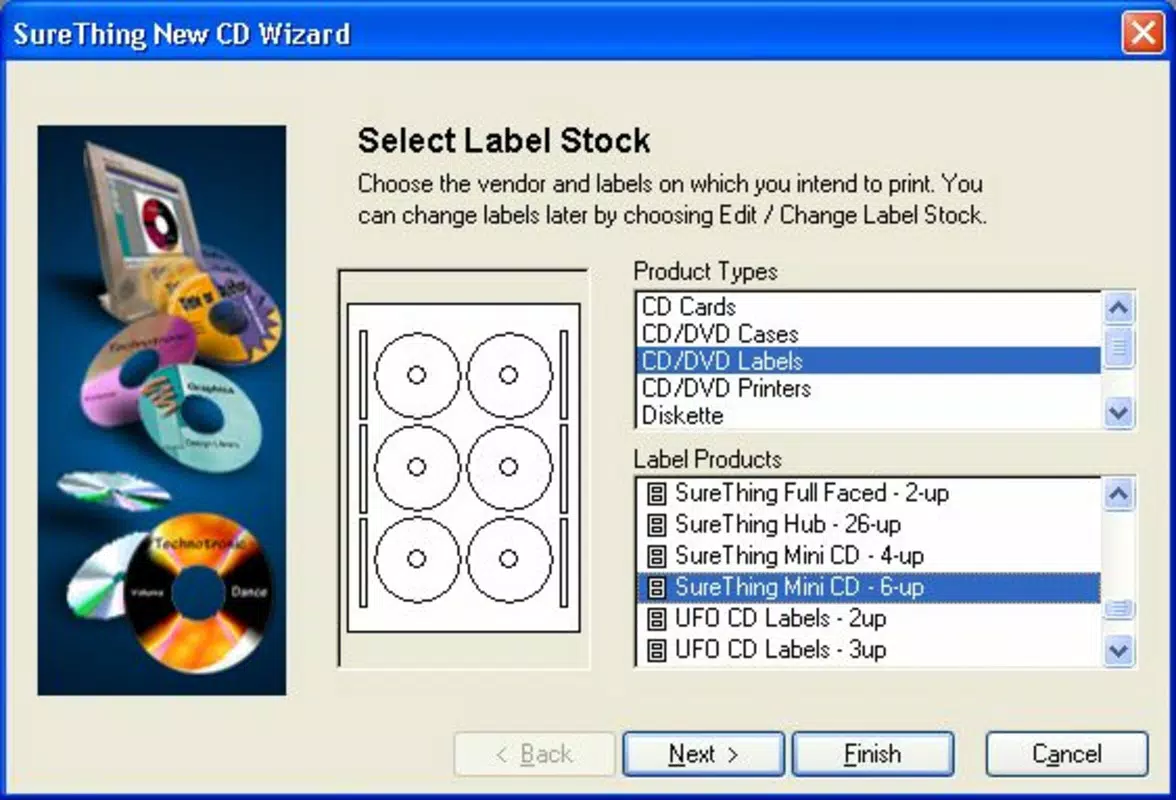
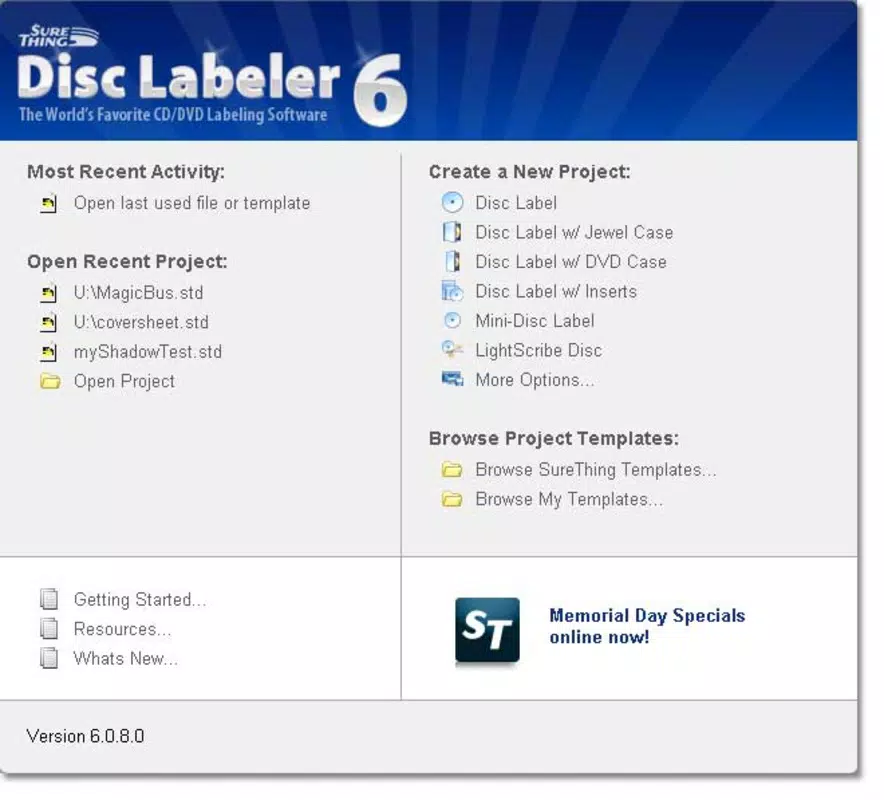
- Extensive Template Collection: A comprehensive library of templates is available for various media types, including CDs, DVDs, and audio cassettes. These templates are pre-formatted to match common disc sizes and label sheet dimensions, reducing setup time and ensuring accurate print alignment.
- Brand Compatibility: SureThing CD Labeler supports popular label brands such as Memorex, Stick-It, Avery, and Neato. This compatibility ensures that labels are correctly sized and positioned for specific label sheets, minimizing waste and improving print accuracy.
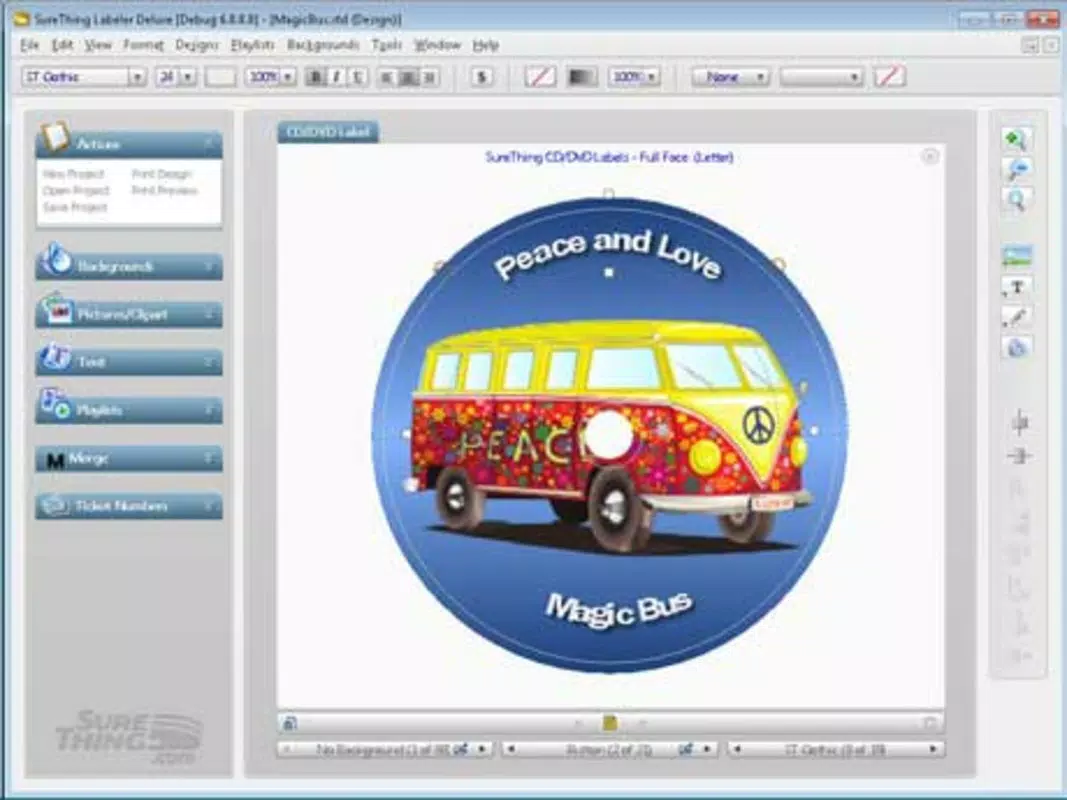
- User-Friendly Interface: The intuitive design allows both novice and experienced users to navigate the software efficiently. Clear menus, drag-and-drop functionality, and real-time preview options reduce the learning curve and support a seamless creative workflow.
For example, a music producer could use the image import feature to embed a band’s logo onto a CD cover, then select a pre-designed template to ensure the label fits perfectly on a standard CD label sheet. Similarly, a teacher organizing educational videos might use the template library to create uniform labels across a classroom media collection, enhancing both usability and professionalism.
Interface, UX & Performance
The user interface of SureThing CD Labeler is structured to prioritize clarity and ease of use. It features a clean layout with clearly labeled toolbars, a preview pane, and a design canvas where users can manipulate elements. Navigation is linear and predictable, with access to templates, image import tools, and text editing functions through well-organized menus. The drag-and-drop functionality allows users to position graphics and text with precision, contributing to a smooth design experience.
Visual style is functional rather than ornamental, focusing on usability over flashy graphics. The software’s responsiveness is consistent across different Windows configurations, though specific performance metrics were not provided. Although the developer did not list formal performance metrics, the application’s lightweight footprint—47.1 MB—suggests efficient resource usage, making it suitable for use on a variety of desktop systems, including older hardware.
Stability appears to be a strength, as the app has remained in active development since its initial release in 2014. Users can expect reliable operation during design and print tasks, with minimal crashes or errors reported in user feedback. The software maintains consistent performance when handling multiple image imports and complex layouts, ensuring a dependable workflow for both casual and frequent users.
Platform Compatibility & Technical Requirements
SureThing CD Labeler is designed exclusively for the Windows operating system. It is compatible with Windows platforms, though specific OS versions were not listed by the developer. The software’s file size is 47.1 MB, which is relatively compact for a design application with extensive features. This size suggests efficient code and minimal bloat, contributing to faster installation and reduced storage impact.
Although the developer did not specify minimum OS requirements, the app’s release date of 2014 indicates it may support older Windows versions such as Windows 7 and 8. However, compatibility with newer systems like Windows 10 or 11 cannot be confirmed without official documentation. Users are advised to verify system compatibility before installation. The application does not appear to be available on mobile platforms, limiting its use to desktop environments.
Pros and Cons
Pros
- Comprehensive template library for multiple media types
- Support for popular label brands enhances print accuracy
- Image import functionality enables personalized designs
- Intuitive interface suitable for beginners and experts
- Compact file size with efficient resource usage
Cons
- Platform limited to Windows only
- No information on minimum OS requirements
- Not available on mobile or macOS platforms
- Price point may be high for casual users
- Developer did not provide detailed technical specifications
FAQ
Is SureThing CD Labeler compatible with my Windows system?
While the software is designed for Windows, specific OS requirements were not listed by the developer. It is recommended to check system compatibility before installation.
Can I use my own images in the labels?
Yes, SureThing CD Labeler allows users to import images directly from a scanner, enabling the use of personal photos, artwork, or logos in label designs.
Does the app support printing on different label brands?
Yes, the software is compatible with popular brands such as Memorex, Stick-It, Avery, and Neato, ensuring proper alignment and sizing on label sheets.
Is SureThing CD Labeler available for mobile devices?
Currently, the application is only available for Windows desktop systems. There is no mobile version for Android or iOS.
How often is the software updated?
The last version released was 8.0.3 in 2014. While the app remains functional, users should note that it has not seen recent updates.
Final Thoughts
SureThing CD Labeler remains a dependable solution for anyone needing to create custom, professional-looking labels for CDs and DVDs. Its rich template library, brand compatibility, and image import features make it a powerful tool for media organization and presentation. While its desktop-only availability and lack of recent updates may limit appeal for some users, its core functionality continues to serve hobbyists, educators, and small businesses effectively.
For those managing music collections, video archives, or distributing custom media, the app offers a streamlined path to consistent, print-ready designs. The user-friendly interface ensures accessibility across skill levels, and the compact size makes it easy to install and run.
Despite its age, SureThing CD Labeler delivers on its promise of reliable, creative labeling. Its value lies in precision, versatility, and long-term stability.
Download SureThing CD Labeler now


